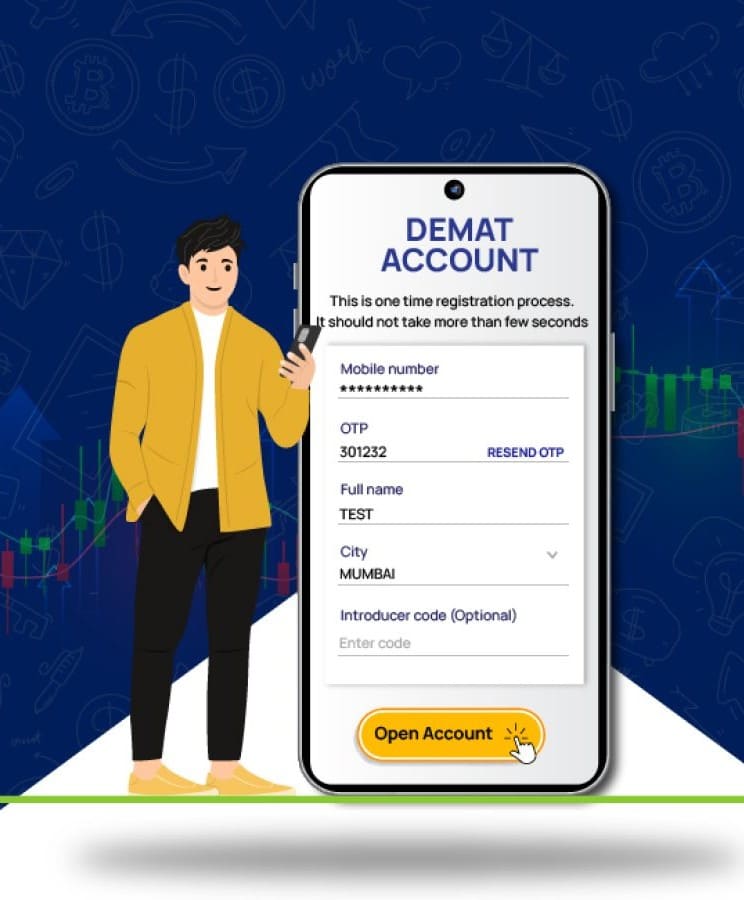
After your Demat account is opened, you should learn to view its information. You might have to confirm your account number, check out your investments or see if a new transaction has been entered properly. These details are available online via most service providers’ website or mobile app. Generally easy, but the steps to follow may differ. Having access to information about your accounts can help you stay on top of your securities and catch mistakes when looking through your records.
1. Log In to Your Account
The first step is to check your service provider’s official website, or open your mobile application. Type in your user name and password and provide any security verification.
When you are using a demat account app, ensure that it has been downloaded from an official App store. Do not use links in emails or text messages that you don’t recognize.
Use the official password recovery if you missed your password. Do not provide your password or OTP to anyone, even those purporting to be from customer support.
2. Find Your Demat Account Number
After logging in, look for the account profile, account details or personal information section. The location of this option may differ across platforms.
Your Demat account number is used to identify your account. Depending on the depository and account type, it may be a 16-digit number. For accounts held with CDSL, it is generally a 16-digit Beneficial Owner Identification Number (BO ID). For NSDL accounts, it typically consists of a DP ID and a Client ID.
Keep this number safe, as you may need it when contacting customer support or completing certain account-related requests.
3. Check Your Personal and Bank Details
Information about your account like your name, phone, email, and connected bank account information may be visible on your account profile.
Check these things to ensure that they are accurate. If you use an old cell phone number or e-mail address, you risk missing vital communications. If the wrong financial information is entered, it can also cause issues with some of the transactions that may be made with the account.
When making an error, please look at the provider’s official procedure for updating personal details. Additional documentation may be required or another verification process may be needed prior to approval of the change.
4. View Your Securities and Holdings
Securities are kept in electronic form in your Demat account. To see if you have any holdings, log into your service provider’s website and visit the holdings or portfolio section.
The securities credited to your account, the number of securities and other details may be viewable. If recent stock purchases, verify if shares were credited after the appropriate settlement process.
Keep in mind that a Demat account will show your holdings, and a trading platform’s portfolio section might also show the market value and the changes in value. The information displayed may differ from platform to platform and account to account.
5. Review Your Transaction History
Checking your transaction history helps you keep track of securities credited to or debited from your account. Check your provider’s platform for reports or statements and the transaction history.
Look at recent transactions/transactions that have recently been put into your account. Make sure to alert your service provider immediately if you see a transaction that you don’t recognise via the official support channels.
If you would like to check statements provided by your depository, you can do so. These records will enable you to confirm transactions that have happened to your account and keep a record of your investments.
6. Check Your Demat Account Through the Depository
You can also check your Demat account details through your depository. CDSL and NSDL offer online services that let investors view account information and access statements. These records can help you check your holdings and keep track of your investments.
If you have accounts with different service providers, checking the available depository services can help you review your holdings. This also makes it easier to keep your demat trading account records organised and check the details whenever needed.
7. What to Do If You Cannot Access Your Details
If you do not see your account information, your first step is to see whether you’ve used the proper credentials to log in. You can also upgrade the app, ensures Internet connection or visit the official website.
Keep in mind that the trading platform and the demat account might display different information. If an order shows up in your trading history, but the securities do not show up in your holdings, review the order status and corresponding settlement period.
Conclusion
You can check your Demat account details online to ensure that you maintain an account record of account details, holdings and transactions. Use a legitimate login site and review your personal information and statements on a regular basis. If you see an error or a transaction you don’t recognize, then call your service provider right away. Investors can explore the 5paisa’s online account services to carry out their investment-related activities. Before starting to use any service, check to see what it offers and what security measures are needed to use it safely.





Be First to Comment