If you have booked an eligible e-ticket but later need to board the train from a different station, you can change the boarding point online without cancelling the existing ticket or generating a new PNR. The change must be made before 24 hours of the scheduled departure and is allowed only once. Once the boarding station is changed, you lose the right to board from the original station.
Online railway services have become a major part of train travel in India. According to the Ministry of Railways, approximately 89% of reserved railway tickets are now booked online, compared with about 49% in 2013–14. The ministry also reported that the RailOne app had reached 4.76 crore downloads and was handling an average of 10 lakh ticket bookings per day as of 2 August 2026.
For passengers whose plans change after an IRCTC ticket booking, the online boarding-point facility can be useful because it avoids cancelling an otherwise suitable reservation. However, the facility has specific restrictions. Online boarding-point changes are not available for I-Tickets, current booking tickets, seized tickets or PNRs with the VIKALP option.
The following guide explains how to change the boarding station online, when the option is available, what you need to check before making the change, and what happens to your ticket after the boarding point is updated.
Can You Change the Boarding Station Without Cancelling the Ticket?
Yes. IRCTC allows passengers who have booked eligible e-tickets to change their boarding station online. This means you can retain the same reservation and PNR instead of cancelling the ticket and booking another one simply because your starting station has changed.
However, there is one major condition to remember. The boarding station can be changed only before 24 hours of the train’s scheduled departure. IRCTC also clearly states that the boarding point can be changed only once.
This makes it worth checking your travel plans as early as possible. If you already know that you will be travelling from another station, making the change well before the deadline can prevent confusion at the time of boarding.
How to Change Your Boarding Station Online
The process begins with your IRCTC account. Log in to the official IRCTC website and open the section containing your booked tickets. Locate the e-ticket for which you want to change the boarding point and select the relevant option for modifying the boarding station.
You will then need to choose the new station from the available options associated with your journey. Check the selected station carefully before confirming the change. A small mistake here can matter because the revised boarding point becomes the station from which you are expected to board.
Once the change is successfully submitted, keep the updated ticket details available on your phone or other device. It is also sensible to check the revised boarding station before leaving for the journey, particularly if the new station is in a different part of the city.
What Happens After You Change the Boarding Point?
Changing the boarding station is not simply an informal request to start the journey somewhere else. Once you make the change, IRCTC says you lose the right to board the train from the original boarding point. If you travel from the original station without proper authority, you may have to pay the fare and penalty applicable between the original and changed boarding points.
For this reason, do not treat the change as something you can reverse casually at the station. Since the boarding point can be changed only once, think about the practical details before confirming it. Consider your transport arrangements, expected arrival time and the distance between the new station and your home or hotel.
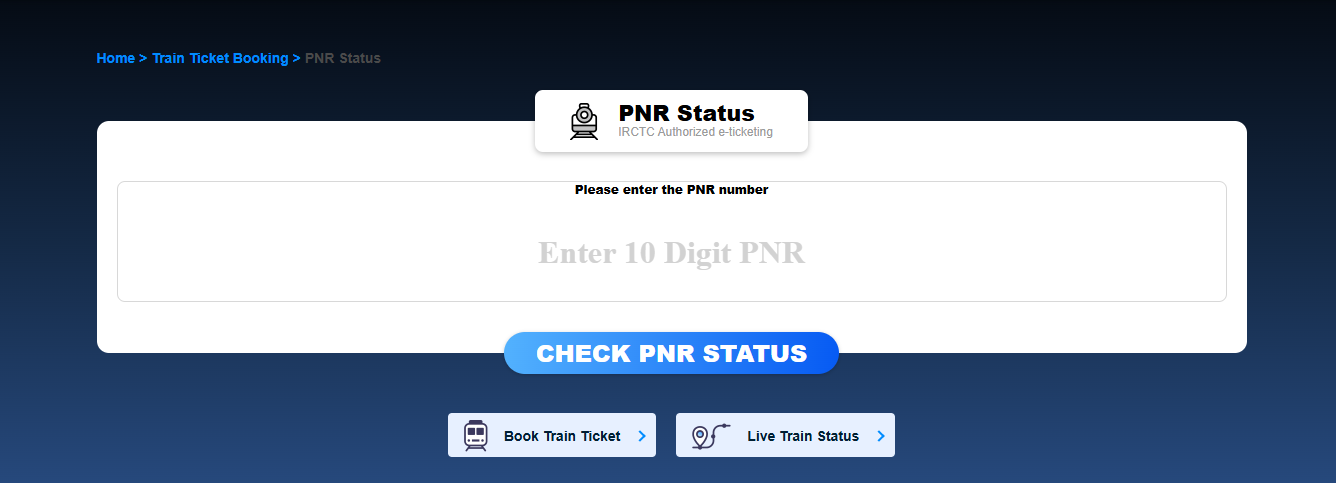
For travellers checking 10 digit PNR Status, the boarding point is another detail worth reviewing after making the change. The reservation itself is not being cancelled simply because the boarding station has been modified, but your travel plan has changed and should be checked carefully before departure.
Why Consider MakeMyTrip for Managing Your Train Journey?
MakeMyTrip brings several journey-management tools together in its train-booking experience, helping travellers stay informed after making a reservation. Its website and app provide PNR status checking, live train running status, coach position and waiting-list prediction. For travellers whose plans involve multiple transport options, MakeMyTrip also provides access to flights, buses and cabs on the same platform, making it easier to manage different parts of a trip digitally.
When Is Boarding Point Change Not Available?
The 24-hour deadline is not the only restriction. IRCTC’s official guidance lists several situations in which an online boarding point change is not permitted.
For example, boarding point change is not allowed for a PNR where the VIKALP option has been selected. It is also not available if the ticket has been seized or if the booking is a current booking. Online boarding point change is not available for I-tickets either.
These exceptions are easy to overlook when you are trying to change your travel plans quickly. If the option does not appear for your booking, it does not necessarily mean that the website is malfunctioning. Your ticket type or booking circumstances may simply make the change unavailable.
Why the 24-Hour Deadline Matters
Imagine that your train is scheduled to leave at 8 PM on Friday. If you want to change the boarding station online, the request needs to be made before the applicable 24-hour deadline. Waiting until the day of travel can leave you without the online change option.
The safest approach is to make the decision as soon as your plans are clear. This gives you time to review the updated station, arrange local transport and avoid reaching the wrong station on the day of departure.
It also helps to remember that the deadline is linked to the train’s scheduled departure rather than simply the calendar date. Therefore, passengers should consider the actual departure time shown on their booking when deciding whether they still have time to make the change.
What Should You Check Before Confirming the Change?
Before submitting the request, look at the new station carefully and make sure it is actually served by your train. Check the station name, travel route and the time at which your train is expected to reach that station. A similar-looking station name can cause unnecessary confusion, especially in cities with multiple railway stations.
You should also think about how you will reach the new boarding point. A station that appears closer on a map may not always be easier to access during peak traffic hours. Once the change is confirmed, remember that the original boarding station is no longer your authorised boarding point under the IRCTC rule.
Finally, keep your ticket details handy after making the change. Reviewing the booking before leaving home is a simple step, but it can help ensure that your journey begins from the station you actually intended to use.
A Simple Way to Avoid Last-Minute Problems
Boarding station changes are most useful when handled before they become an emergency. If your plans change, check the ticket early, confirm whether your booking is eligible and make the request before the 24-hour deadline. Do not wait until you are already travelling towards the original station.
IRCTC’s rules are straightforward once you know the important limitations: the change is available for eligible e-tickets, it must be made before 24 hours of scheduled departure, and the boarding point can be changed only once.
Plan the Journey Around Your New Boarding Point
A boarding station change can save you from cancelling an otherwise suitable train reservation when your starting location changes. The key is to make the update within the permitted window and then treat the new station as your actual boarding point.
Before travelling, review the updated ticket, plan your route to the new station and allow enough time for local traffic. With these simple checks, changing your boarding station online can be a much easier way to adapt an existing train journey without cancelling the PNR.




Be First to Comment